
How Cluby works
Cluby is a restaurant's own loyalty and marketing app. This page shows what the customer does, what the restaurant does, and how you get started.
How a customer uses Cluby

Step 1: The customer installs the app
From the app store or by scanning the QR code on your restaurant's materials. They can also join in the browser or by tapping an NFC card at the counter.

Step 2: The customer joins your loyalty program
By picking the restaurants they like in the app. They also join automatically with their first stamp or ticket purchase.
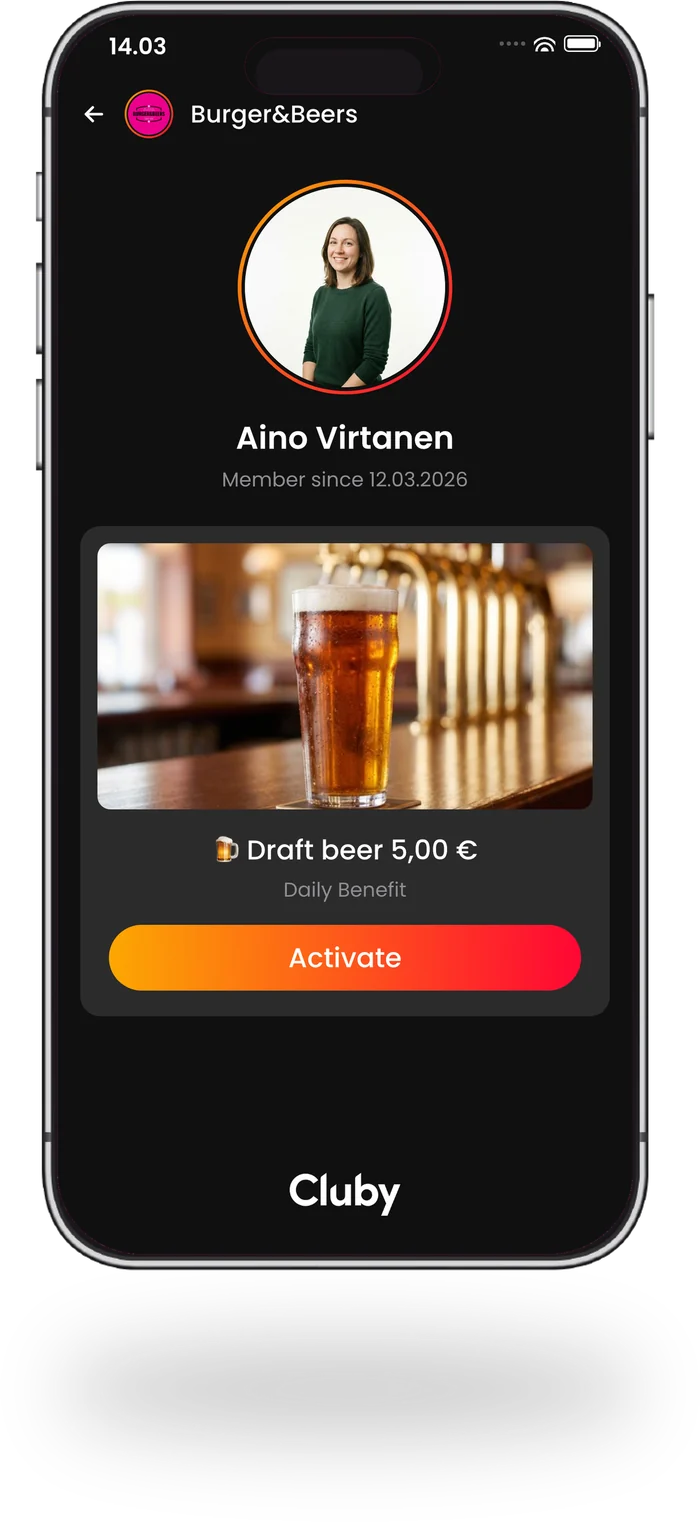
Step 3: The customer uses a benefit, a stamp or a ticket
A benefit is activated in the app as they pay or enter, a stamp lands on their card, and a ticket is shown at the door. Staff see all of it at the till.

Step 4: The data lands in your restaurant's register
Every visit, stamp and purchase builds your restaurant's own customer register, and you can use it in your marketing.
See it per feature: Stamp card Loyalty benefits Ticket sales Subscriptions VIP cards Customer messaging
How a restaurant uses Cluby

Step 1: You create a Cluby account for your restaurant
The account is created in Cluby Partner Hub in a few minutes.
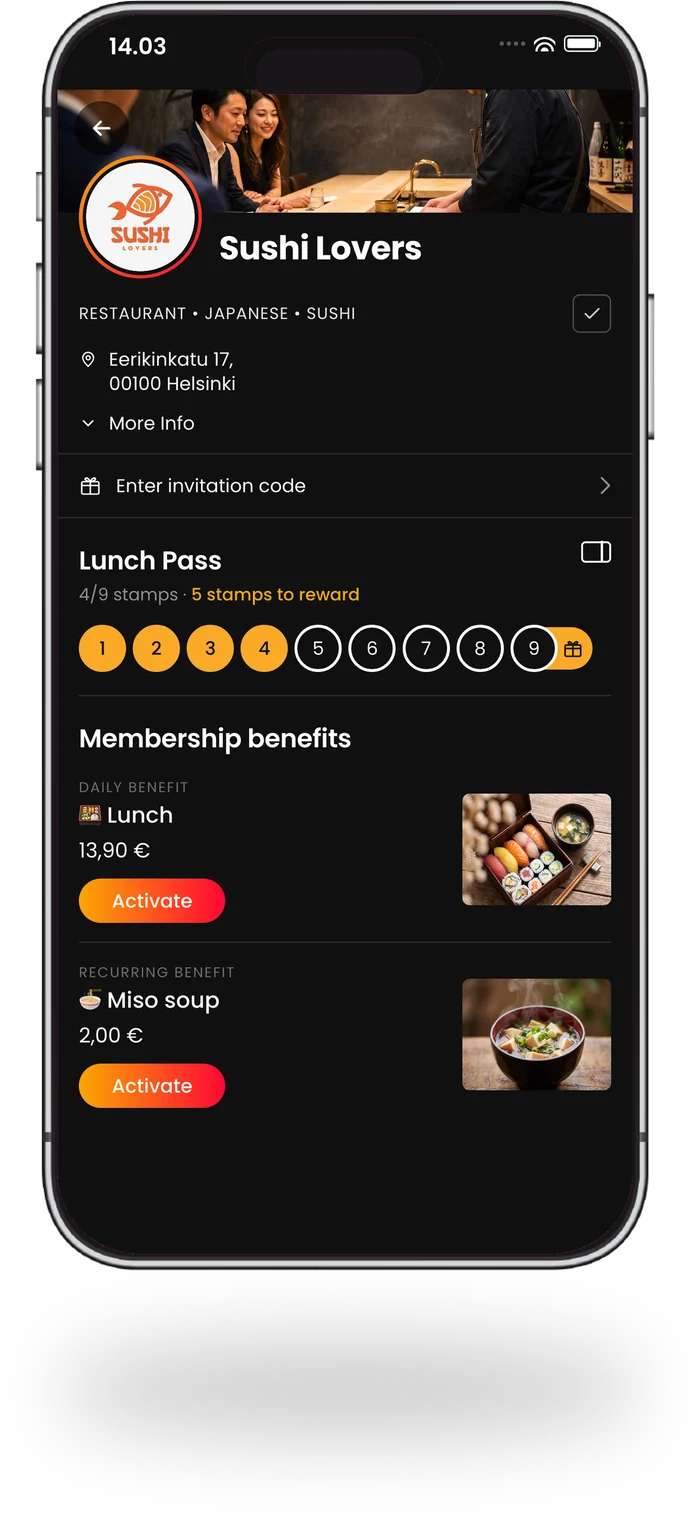
Step 2: You create benefits, VIP memberships, stamp cards and events
In Partner Hub, in a few clicks. They show up in your customers' Cluby app right away.

Step 3: You promote your campaigns and loyalty program
In the restaurant, so new customers join, and in the app, so they keep coming back.

Step 4: You market your restaurant's products and services
Through the app, straight to customers' phones. Where the decision about the next restaurant visit is made.
Read more: Customer register Customer messaging Materials for your restaurant POS integration Pricing
Create a free account or book a time with our representative.
How to get started
Creating the account takes a few minutes, and you can publish your first benefit right away. If you would rather walk through it together, book a time with our representative.

